> For the complete documentation index, see [llms.txt](https://docs.kastle.cc/llms.txt). Markdown versions of documentation pages are available by appending `.md` to page URLs; this page is available as [Markdown](https://docs.kastle.cc/kastle-wallet-help-center/advanced-features/how-to-deploy-and-mint-krc-20-token.md).
# How to Deploy and Mint KRC-20 Token
With **Kastle Browser Extension**, you can easily **deploy** (create) your own KRC-20 token and later **mint** additional tokens as needed. This guide walks you through both processes from start to finish.
### Deploy
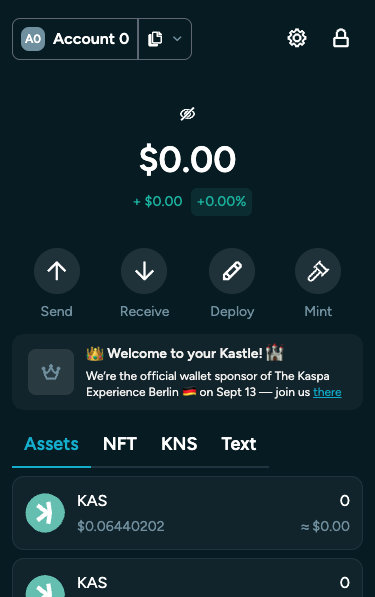
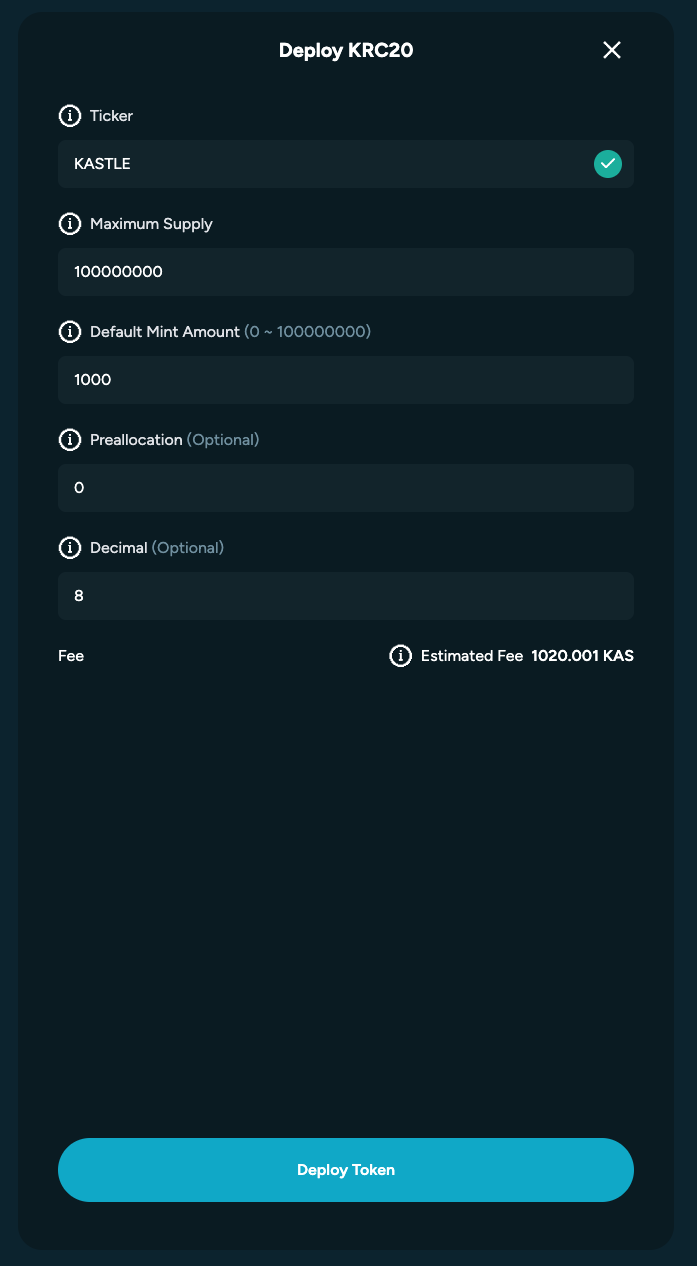
1. After clicking **“Deploy”**, the KRC-20 deployment interface will open. Here you’ll fill in the required fields to define your token’s key parameters.
#### Fields Overview
| Field | Description |
| ----------------------- | --------------------------------------------------------------------------------------------------- |
| **Ticker** | A short, unique abbreviation for your token — e.g. **BTC** for Bitcoin or **KAS** for Kaspa. |
| **Maximum Supply** | The total number of tokens that will ever exist. This value cannot be changed after deployment. |
| **Default Mint Amount** | The number of tokens created each time you mint. |
| **Preallocation** | The amount of tokens automatically created and assigned to your wallet (the deployer) at launch. |
| **Decimal** | Defines how divisible your token is (e.g. 8 decimals means one token can be split into 0.00000001). |
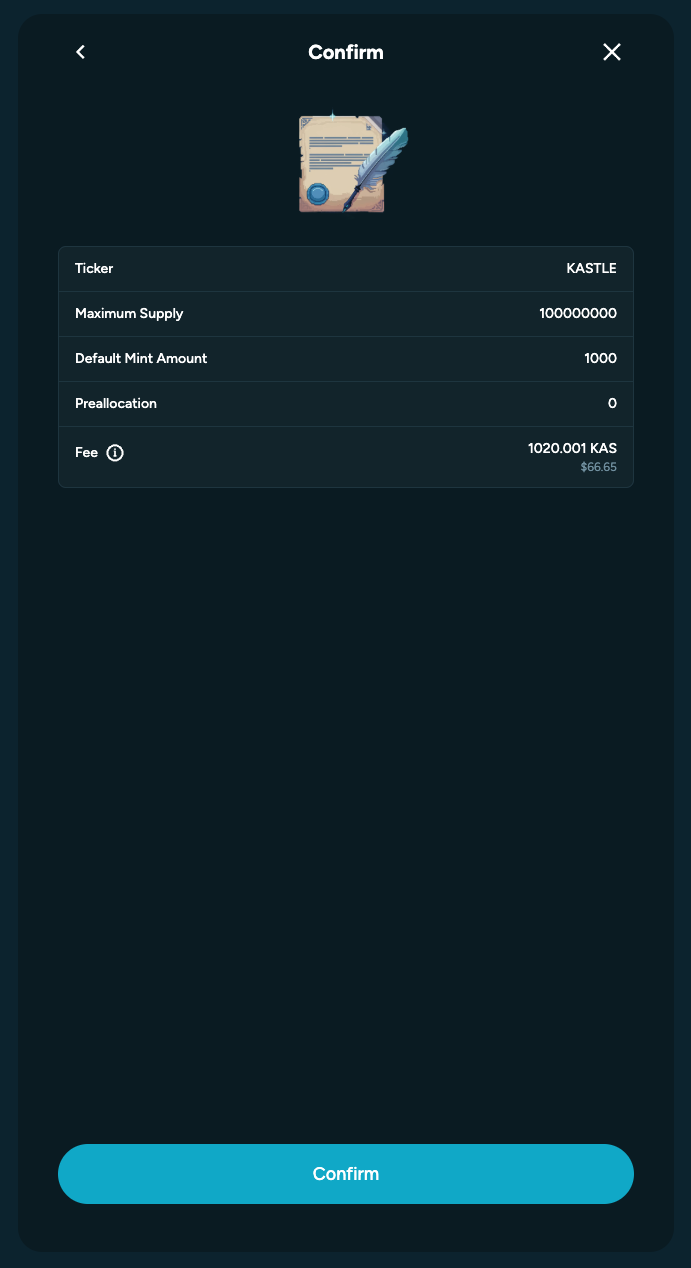
2. Once all fields are filled, review your details carefully, then **confirm** the transaction to deploy your token on the Kaspa network.
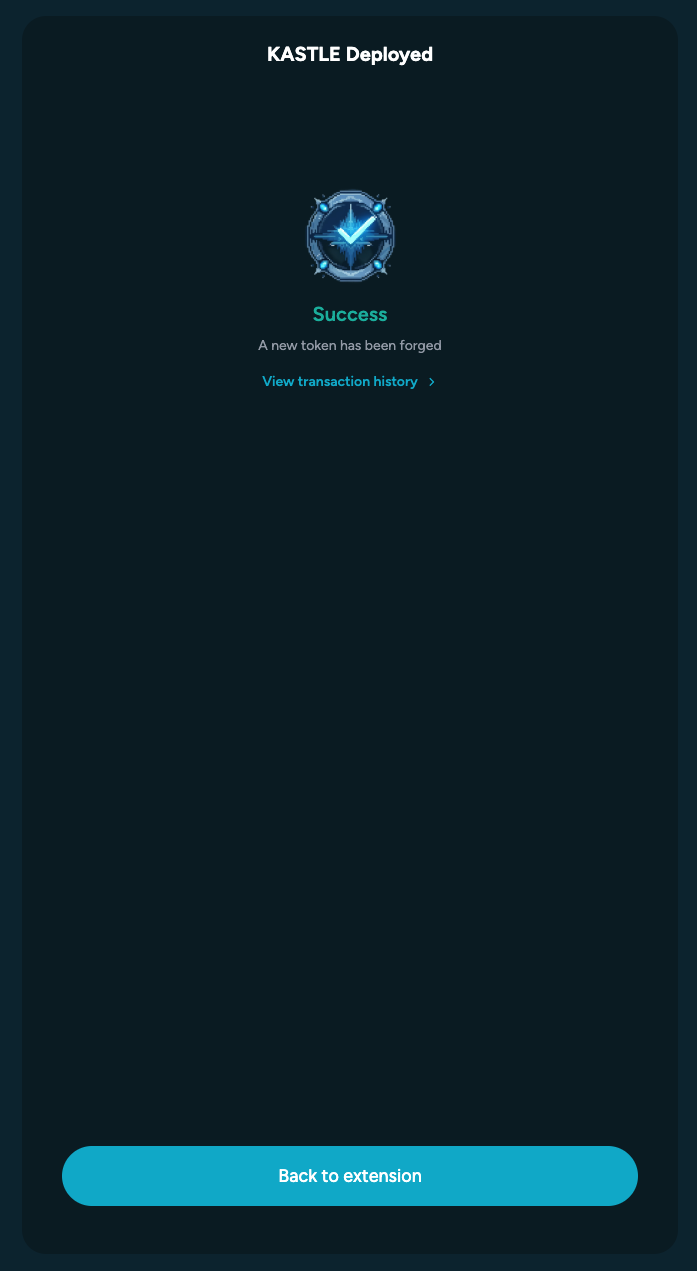
3. If deployment succeeds, you’ll see a **confirmation screen** and your new token will appear in the **Assets** section of your wallet.
### Mint
You can mint **any KRC-20 token** that has been deployed on the Kaspa network, as long as it hasn’t yet reached its **maximum supply**. You don’t need to be the original deployer to mint — only the token’s configuration determines if additional minting is allowed.
To mint new tokens:
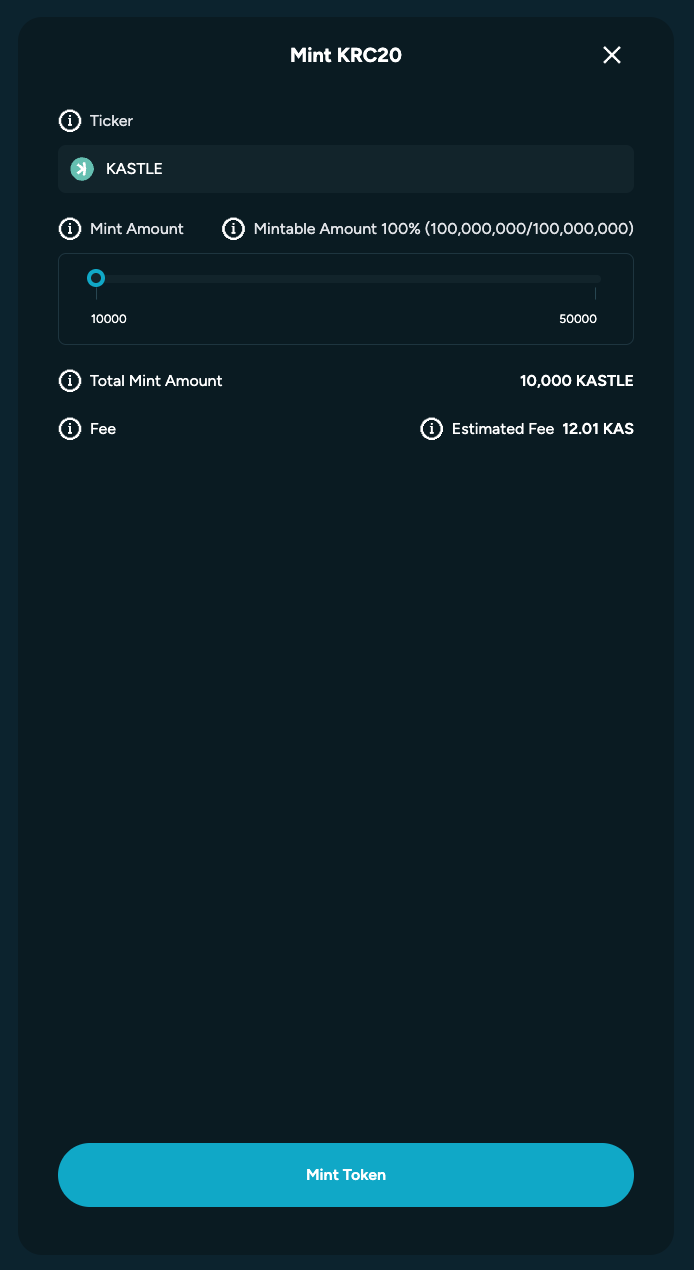
1. Open the **Mint** feature in your wallet.
2. Enter the **token ticker** you want to mint.
3. Select the **number of times** you wish to mint, based on the token’s predefined *default mint amount* and remaining supply.
4. Click **“Mint Token.”**
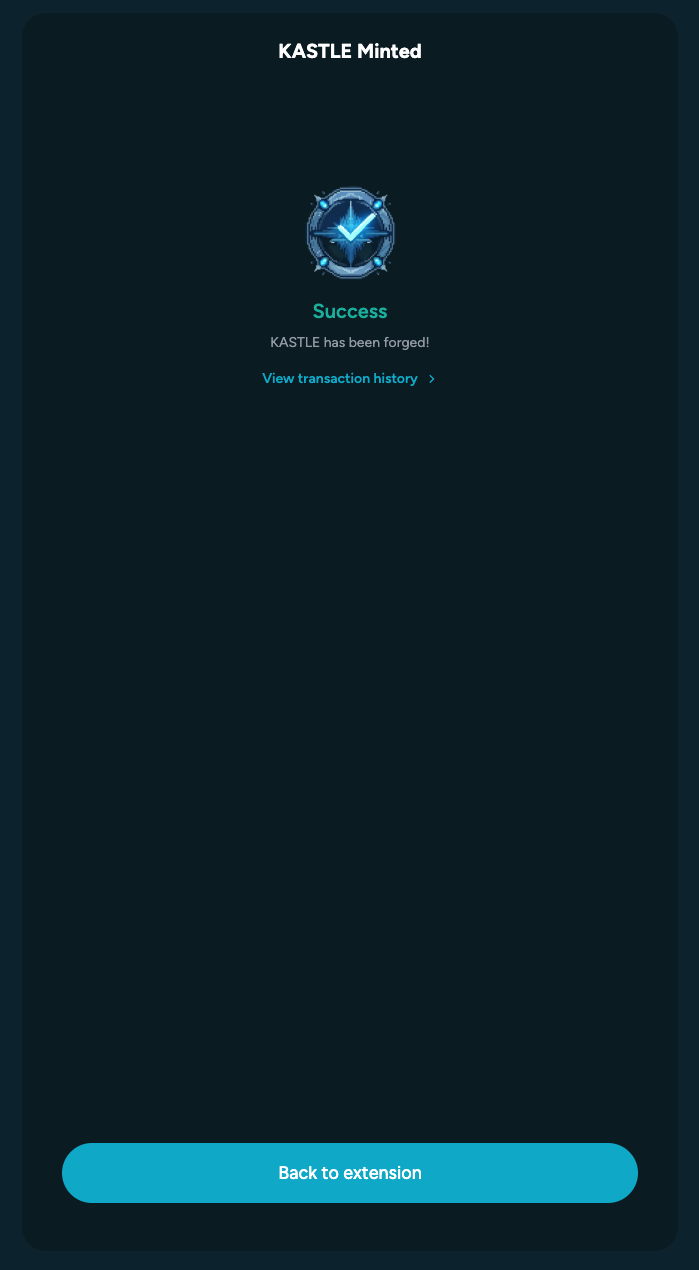
Once the transaction is confirmed, wait for the process to complete. If the mint succeeds, a **confirmation screen** will appear, and the newly minted tokens will show up in your **Assets** section.