> For the complete documentation index, see [llms.txt](https://docs.kastle.cc/llms.txt). Markdown versions of documentation pages are available by appending `.md` to page URLs; this page is available as [Markdown](https://docs.kastle.cc/kastle-wallet-help-center/get-started/import-or-restore-a-wallet.md).
# Import or Restore a Wallet
To import/restore an existing wallet, simply follow these steps:
1. Accept the Terms of Service and Privacy Policy
2. Tap **“Import existing wallet"**
3. Set up your PIN code for security
4. Choose whether to enable Face ID or biometric authentication
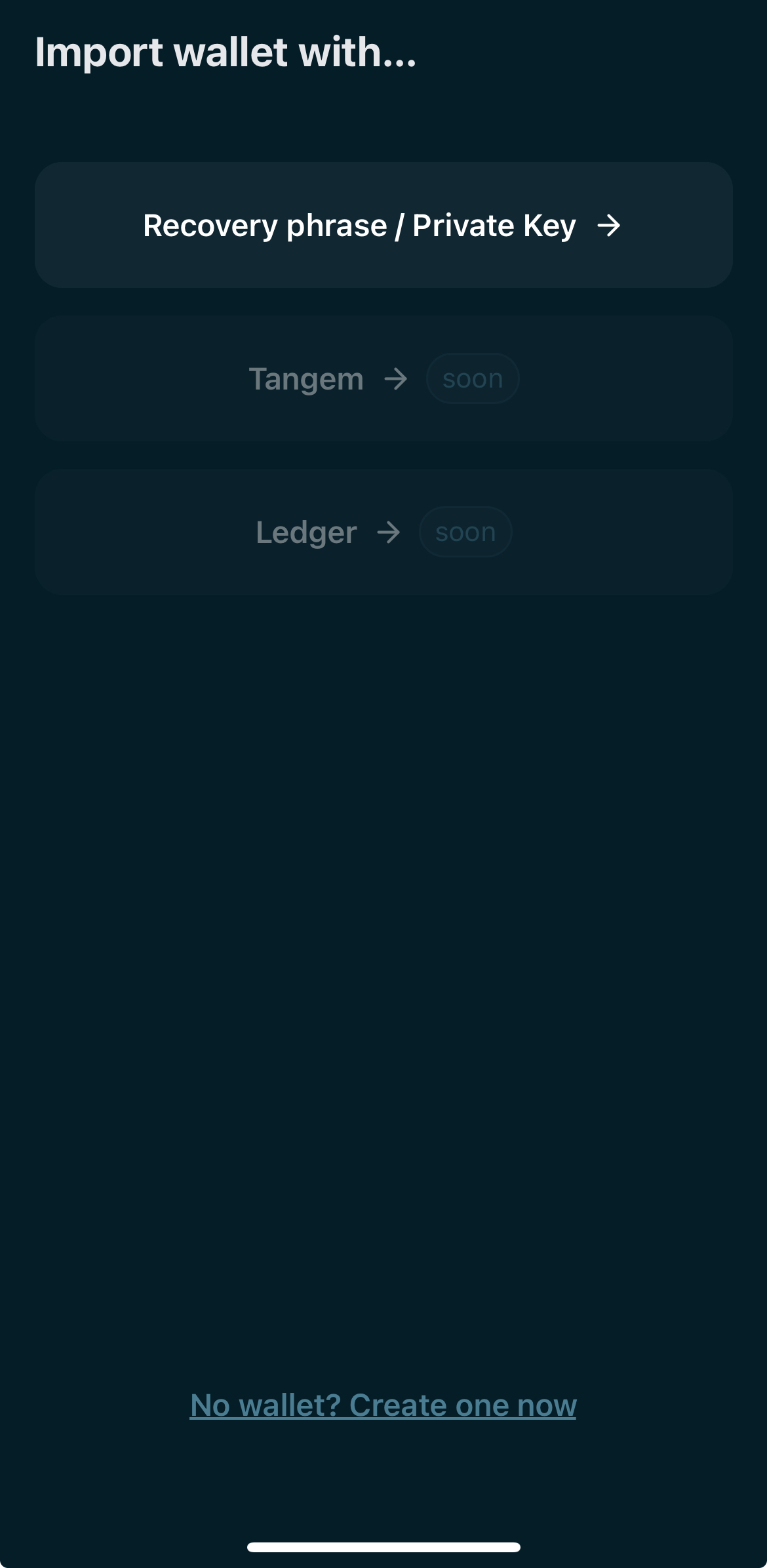
5. Choose the method to import the wallet with
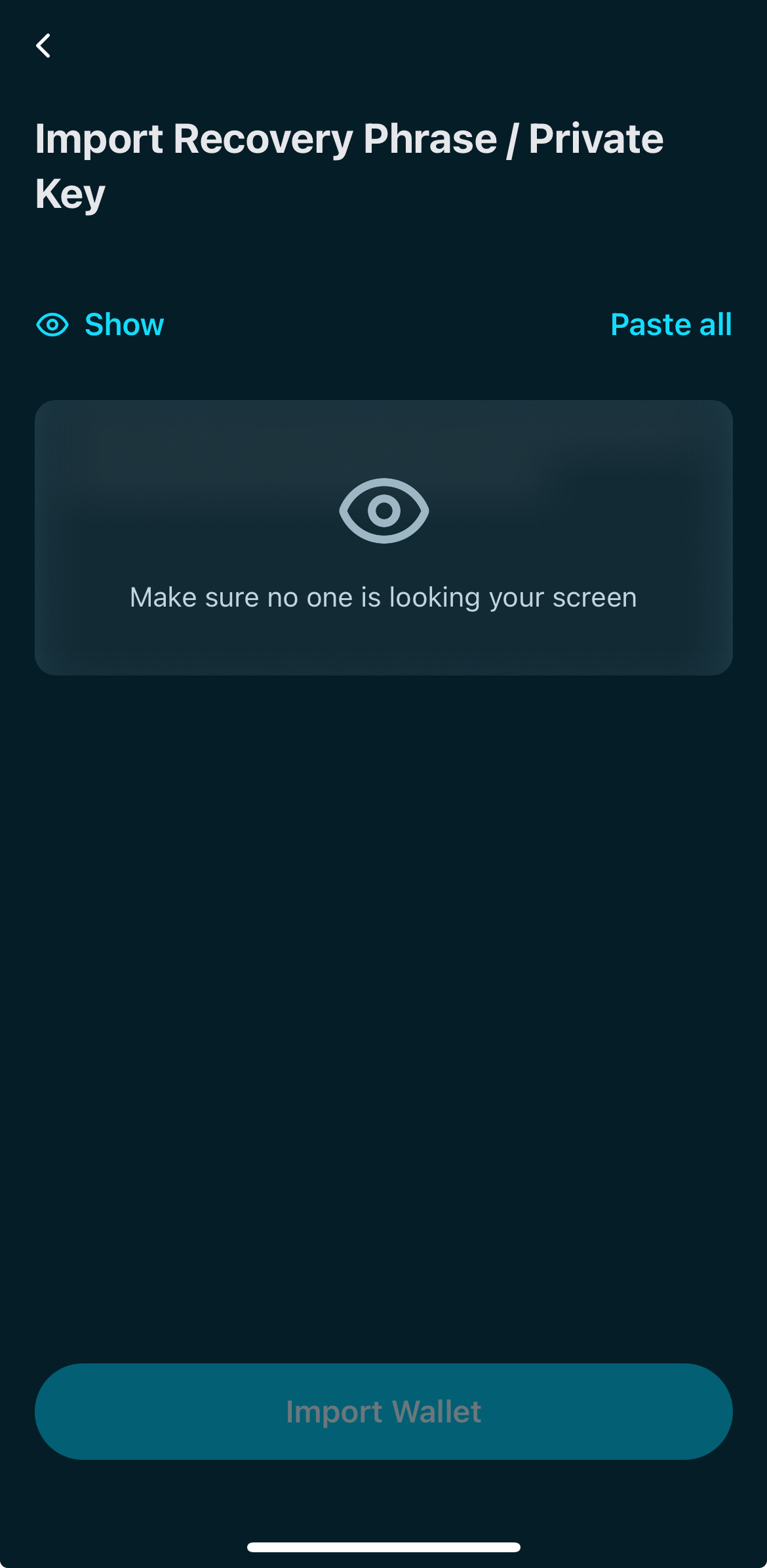
6. Type or paste the secret recovery phrase or private key
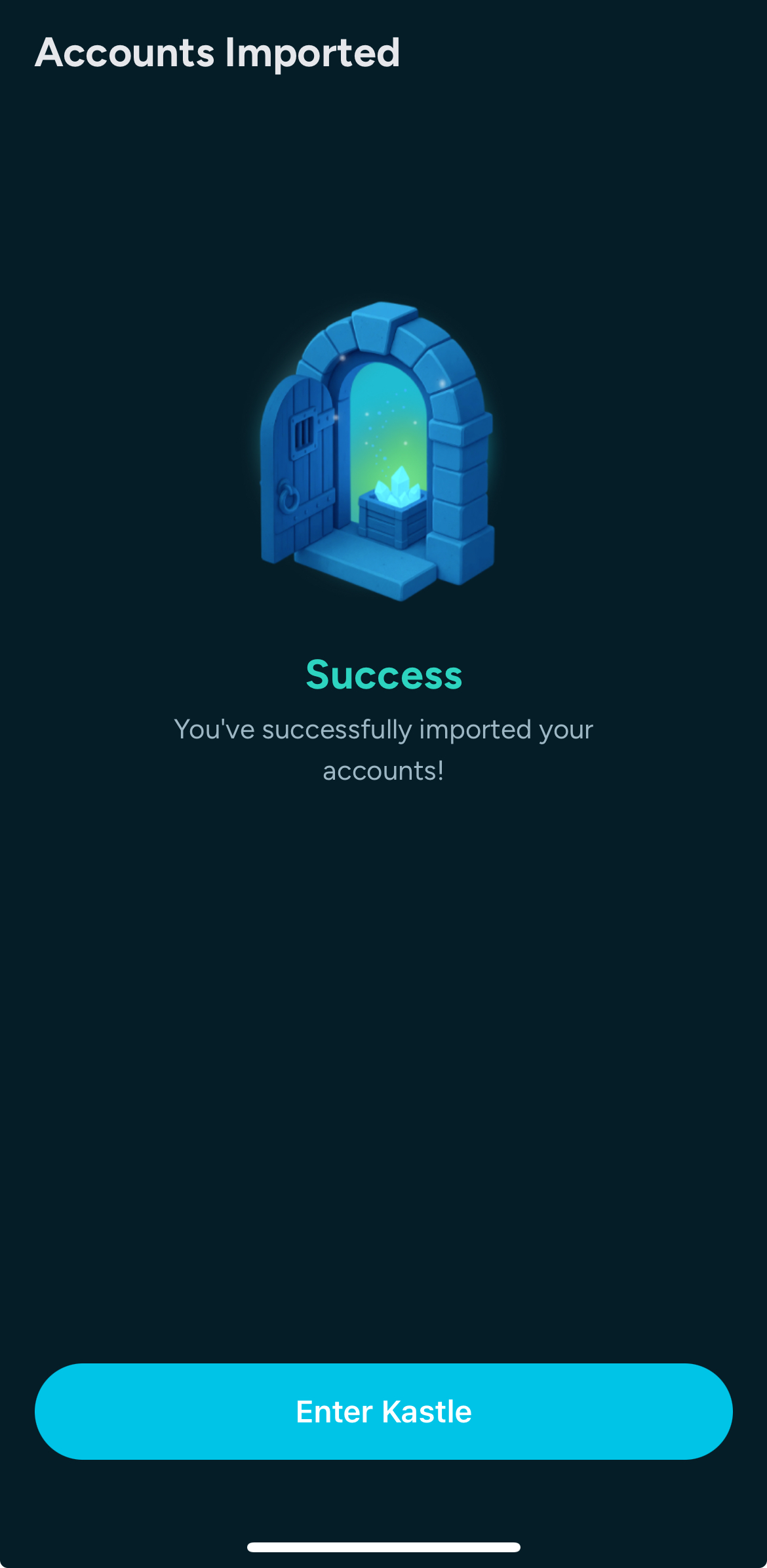
7. And that’s it — your wallet is ready to use!